> ## Documentation Index
> Fetch the complete documentation index at: https://docs.genuka.com/llms.txt
> Use this file to discover all available pages before exploring further.
# Introduction
> Genuka is the all-in-one platform that allows you to manage and grow your business from anywhere in the world.
All-in-one platform to manage and grow your business
# Why Choose Genuka
Genuka is designed with the African business ecosystem in mind. From local
currencies to regional payment methods, Genuka adapts to the realities
of African entrepreneurs, making it easier to sell, receive payments, and
grow across borders.
Our APIs and SDKs are simple, secure, and well-documented, enabling
developers to integrate Genuka seamlessly into their applications. With clear
guides, sandbox environments, and reliable support, you can focus on building
while we handle the complexity of commerce.
# Core Features of Genuka
Track and manage your sales, inventory, payments, shipping, and customer
data—all in one place. Save time and simplify operations.
Build a professional online store with customizable design, connect a custom
domain, and manage multiple shops from a single dashboard.
Manage physical, digital, or service-based products. Organize them into
collections and monitor inventory levels in real time.
Gain a 360° view of your customers with profiles, purchase history,
segmentation tools, and integrated marketing campaigns.
Create percentage-based discounts, bundle offers, promo codes, and flash
sales to boost conversions.
Access powerful analytics to track sales, profits, expenses, inventory trends,
and customer behavior to make data-driven decisions.
Assign roles and permissions across your team—administrators, managers,
accountants, and agents—within one or multiple points of sale.
Create and send digital invoices, organize expenses, and send order links
to collect payments quickly and securely.
# Who is this documentation for?
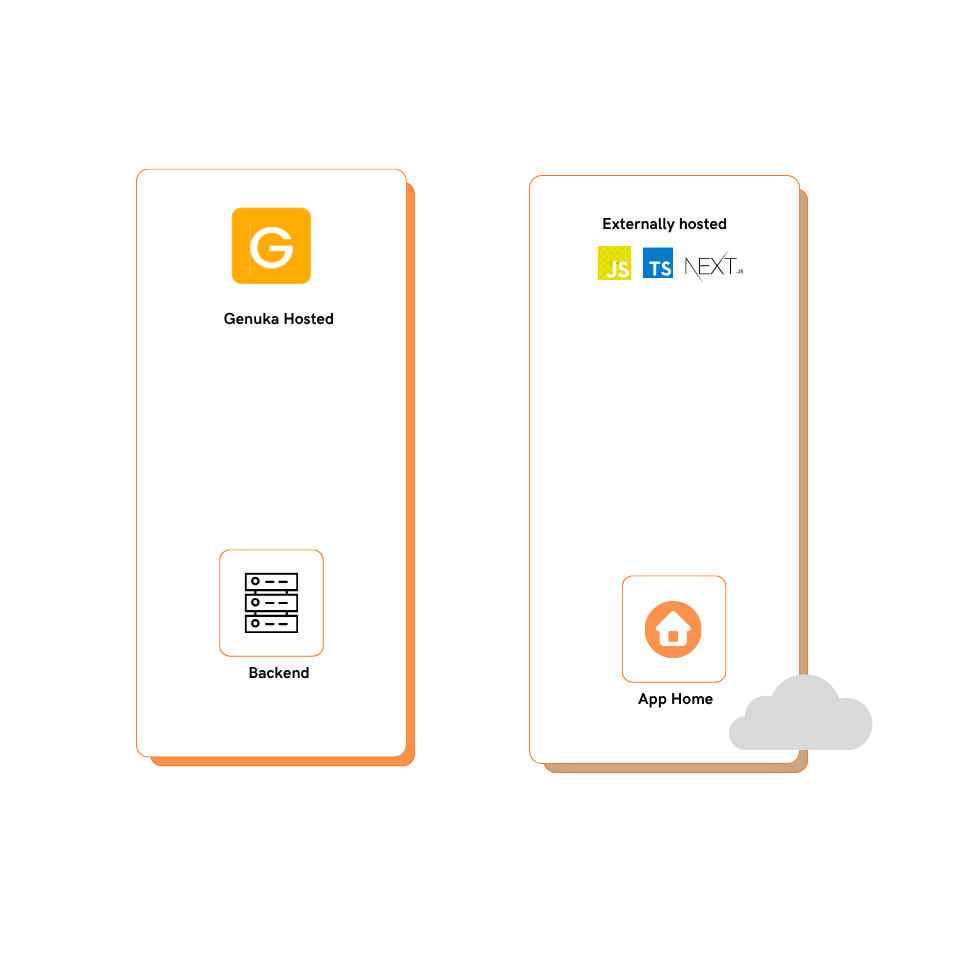 This documentation is intended for **developers, technical teams, freelancers, agencies, and anyone** who wants to build applications, integrations, or extensions for Genuka. Whether you want to automate a process, connect an external service, improve the in-store experience, or create a new tool for merchants, here you'll find everything you need to succeed.
# What you can build with Genuka
What you can do with a Genuka app
* Public apps: an app that all Genuka merchants can install, for example, to manage local payments, perform CSV exports, or connect to a regional delivery solution.
* Private/custom apps: designed for a specific merchant or group, with specific needs (custom data feeds, personalized interface).
* External integrations: for example, connect Genuka to CRM platforms, ERPs, marketing tools, reporting services, etc.
* Front-end extensions/themes: if applicable, offer visual modules or widgets that a merchant can activate on their store or website.
* Automations & Webhooks: trigger actions on certain events (order placed, low inventory, etc.), react in real time.
This documentation is intended for **developers, technical teams, freelancers, agencies, and anyone** who wants to build applications, integrations, or extensions for Genuka. Whether you want to automate a process, connect an external service, improve the in-store experience, or create a new tool for merchants, here you'll find everything you need to succeed.
# What you can build with Genuka
What you can do with a Genuka app
* Public apps: an app that all Genuka merchants can install, for example, to manage local payments, perform CSV exports, or connect to a regional delivery solution.
* Private/custom apps: designed for a specific merchant or group, with specific needs (custom data feeds, personalized interface).
* External integrations: for example, connect Genuka to CRM platforms, ERPs, marketing tools, reporting services, etc.
* Front-end extensions/themes: if applicable, offer visual modules or widgets that a merchant can activate on their store or website.
* Automations & Webhooks: trigger actions on certain events (order placed, low inventory, etc.), react in real time.